
See each track's shape and loudness before you play it
You want to see where the breakdown is and how long the intro runs, without playing the track. And you want to know whether the next one will sound louder when you bring it in.
You want to see where the breakdown is and how long the intro runs, without playing the track. And you want to know whether the next one will sound louder when you bring it in.
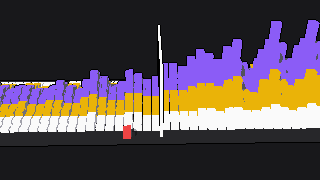
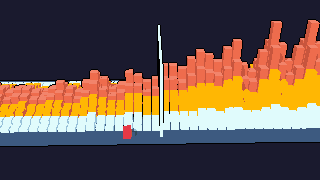
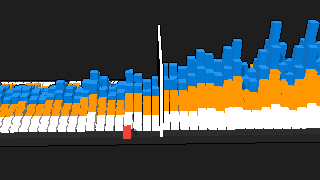
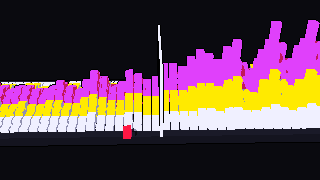
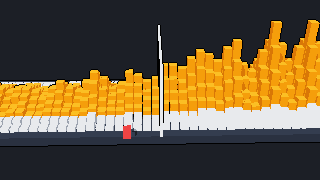
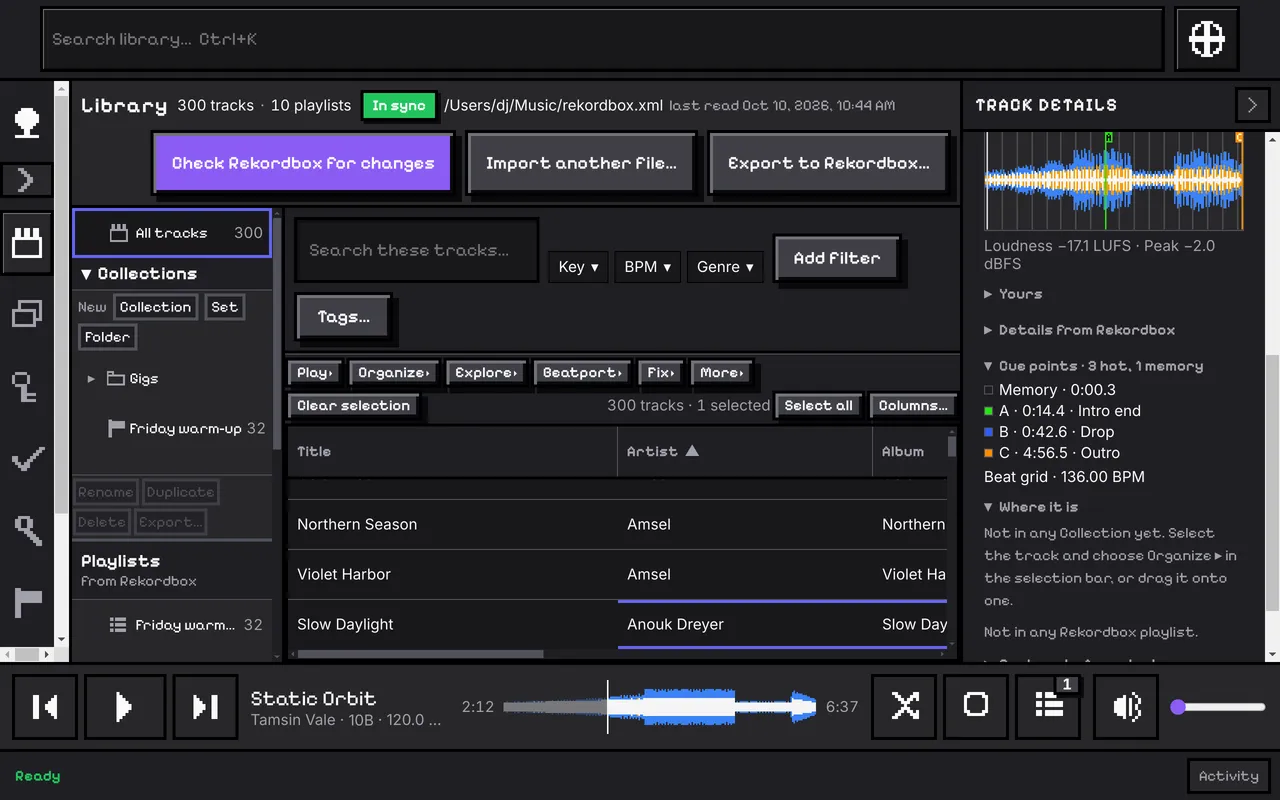
CuePoint works out a waveform for every track whose file it can find, from the audio itself, in the background and at low priority. It draws it in the player bar (a click seeks), in Track details, as a Library column and in Prepare's transition strip. Choose three colored bands for the lows, mids and highs, or one color.
Your Rekordbox hot cues, memory cues, loops and beat grid are drawn on it.
The same pass measures how loud each track is over the whole track, and its highest peak. In Prepare's transition strip the words between two tracks say how much louder or quieter the next one is.
Double-click a track and the view you were looking at becomes the queue. Playback is gapless, out of the audio device you choose. Nothing plays until you ask.
The full steps, in the user guide.
Build a Set in chapters, with times, transition checks and a set list.
Search, filters and columns over your whole collection.
Every part, one line each.